Build a Killer Mac Setup Without Spending a Cent: The Free App Stack I Recommend to Everyone
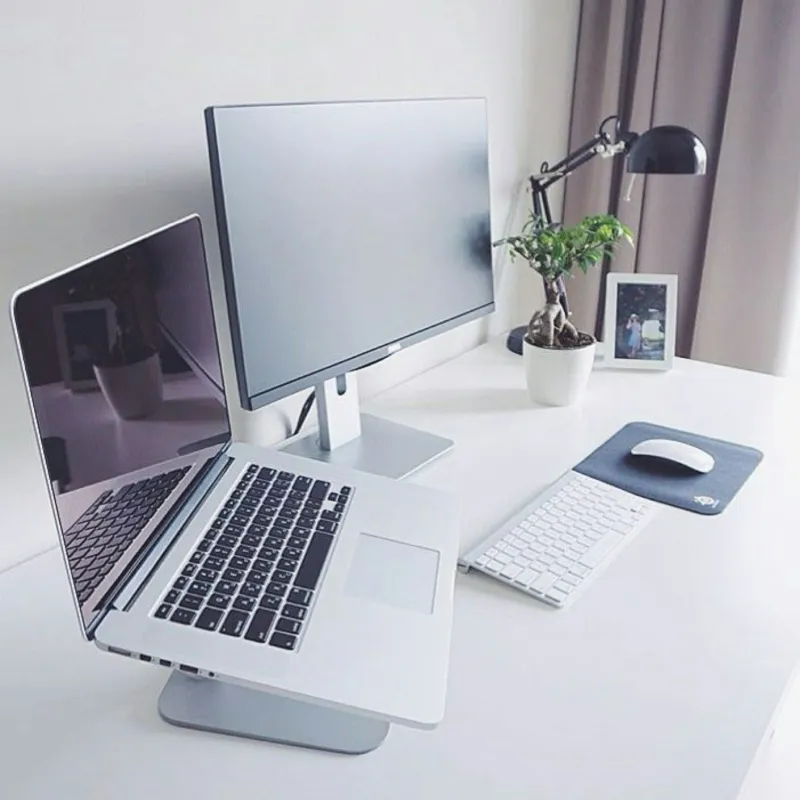
Photo: MacBook desk setup minimalist workspace laptop, via i.pinimg.com
Every time I set up a new Mac — mine, a friend's, a cousin's after they finally ditched their Dell — the same question comes up: "How much do all these apps cost?" And every time, I get to deliver the same satisfying answer: nothing. Zero dollars. The Mac software scene is quietly loaded with free and open-source tools that go toe-to-toe with paid favorites, and most people have no idea they exist.
Here's the exact stack I recommend, broken down by job.
The Launcher: Raycast (Free Tier)
Alfred is great, and Powerpack fans will defend it like a sports team. But the free version of Raycast does more out of the box than Alfred does with a paid upgrade. You get lightning-fast app launching, clipboard history, window snapping, and a calculator that handles unit conversions — all native, all free.
The killer feature for me is clipboard history. Once you get used to pressing a hotkey and seeing the last 50 things you copied, there's no going back. Raycast's free tier covers 95% of users; the paid plans mostly unlock team features you probably don't need.
Clean Up the Menu Bar: HiddenBar
Your menu bar is a disaster. It's fine — everyone's is. HiddenBar is a tiny open-source utility that lets you tuck menu bar icons behind a toggle, Bartender-style, without the subscription. Two clicks and your Wi-Fi icon, VPN, cloud sync doodads, and everything else collapse into a neat little arrow.
It's the kind of app that does exactly one thing and does it perfectly. There's something refreshing about that in an era where every utility wants to become a platform.
Window Management: Rectangle
Apple added basic window tiling to macOS in recent versions, but it's clunky and half-baked compared to Rectangle. This free, open-source app gives you keyboard shortcuts for snapping windows to halves, quarters, and thirds, plus a menu bar icon (which you can now hide, thanks HiddenBar) for mouse people.
If you've ever looked longingly at a colleague's tidy split-screen setup during a Zoom call, this is the missing piece. Pair it with macOS Spaces and your workflow will feel twice as big as your monitor.
App Switching That Actually Works: AltTab
Here's a confession: the Mac's app switcher has always bugged me because it shows app icons, not windows. AltTab fixes this with a Windows-style switcher that previews every open window with a live thumbnail. If you juggle a dozen Safari tabs and three text editors at once, this alone is worth the install.
It's open-source, actively maintained, and free. There's a paid "support the dev" tier, but the free version is fully functional — no crippled features, no nags.
Video Conversion: HandBrake
Need to shrink a video for email, rip a disc to a file, or convert that weird .mkv your buddy sent into something QuickTime can play? HandBrake has been the answer since roughly the Bush administration. It's free, open-source, and remarkably good at squeezing big video files down without wrecking the quality.
The presets make it approachable — "Fast 1080p30" is a one-click solution for most situations. Under the hood you've got granular control over codecs, subtitles, and chapter markers if you're the tinkering type.
Writing and Notes: Obsidian (Free for Personal Use) or Typora Alternatives
For notes, Obsidian's free tier is genuinely generous — your notes live as plain Markdown files on your own machine, which means no lock-in and no ransom if the company ever changes course. Pair it with iCloud Drive for syncing between your Mac and iPhone and you've got a notes system that would cost you a subscription anywhere else.
If you want something simpler, Apple's own Notes app is criminally underrated and already on your machine.
Image Editing: GIMP and Preview
Photoshop money isn't in everyone's budget, and honestly, most people don't need it. GIMP handles real image editing — layers, masks, batch work — for free. And don't sleep on Preview: it crops, resizes, annotates PDFs, and signs documents, and it's been sitting in your Applications folder this whole time.
The Full Zero-Dollar Stack at a Glance
- Raycast — launcher, clipboard history, window tools
- HiddenBar — menu bar cleanup
- Rectangle — window snapping
- AltTab — window previews in the app switcher
- HandBrake — video conversion
- Obsidian — Markdown notes and knowledge base
- GIMP + Preview — image editing
Install those seven, spend the money you saved on a decent desk mat, and enjoy the smug satisfaction of a fully tricked-out Mac that cost you exactly nothing.