Two Weeks With Only a 13-inch MacBook Air: The Couch Computer Experiment

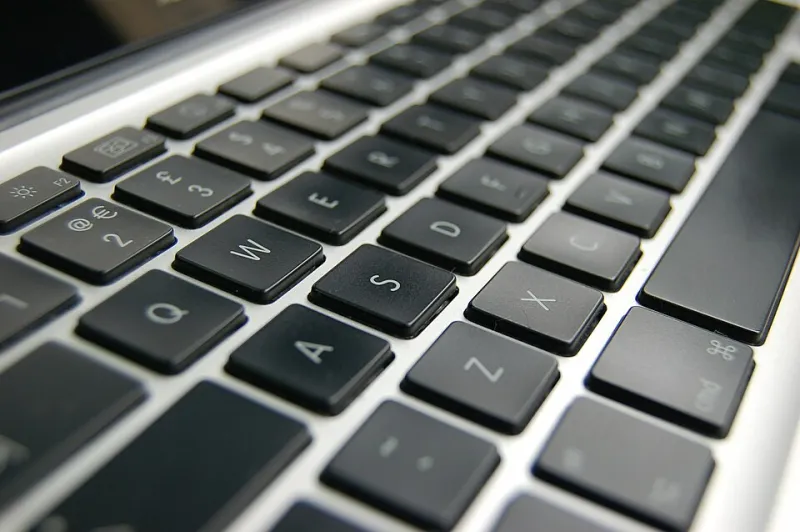
Photo: TheumasNL, CC BY-SA 4.0, via Wikimedia Commons
Every few months, someone on the internet declares the iPad dead and the lightweight MacBook the "real" couch computer. I'd always rolled my eyes at that debate — until my iPad Pro sat fully charged for two straight weeks while my 13-inch MacBook Air quietly became the device I grabbed instead.
So I decided to make it official: two weeks, MacBook Air only. No iPad for reading in bed, no tablet for flights, no couch browsing on anything else. Here's the honest report card.
The Setup
The rules were simple. Everything I normally did on the iPad — morning news, YouTube on the couch, long-form reading, in-flight entertainment, recipe following in the kitchen — had to happen on the MacBook Air. I didn't change any other part of my routine.
Where It Immediately Fell Apart
Reading in bed. This was the first casualty. Holding a laptop up to read a long article is a fundamentally different experience than holding a tablet. The MacBook Air weighs about as much as a paperback, sure, but the keyboard deck and screen hinge make it awkward to prop on your chest at 11pm. By day three I was reading on my phone again, which felt like defeat.
The kitchen test. Following a recipe on a tablet is effortless. Following one on a laptop means finding counter space for a device that opens like a clamshell. Flour and laptop keyboards are not friends. This one I hadn't even considered before starting.
Quick-glance moments. The iPad's superpower is instant-on, glanceable use — checking a score, glancing at a recipe timer, skimming headlines. The MacBook Air can wake fast, but it's still a laptop. The lid-open ritual adds just enough friction that I stopped reaching for it during those micro-moments.
The Surprising Wins
The couch became a workspace. Without planning it, I started knocking out small tasks during downtime — replying to emails during halftime, editing photos while a show ran in the background. The iPad always felt like a consumption device I occasionally worked on. The Air blurred that line completely.
One less device to charge. My travel bag went from two devices and two chargers to one. On a weekend trip to Denver, I brought the Air, charged it once, and never thought about battery anxiety. That mental decluttering is worth more than I expected.
Desktop Safari is just better. Sites that serve you the neutered mobile-web experience on iPad (looking at you, half the web) render fully on macOS. Fewer weird layouts, fewer "open in app" nag screens.
The Verdict, Broken Down by User
- Casual browsers and streamers: The Air works fine, but you're paying more for capabilities you won't use. An iPad is still the better fit.
- Students and hybrid workers: This is the sweet spot. If your evenings mix Netflix with homework, the Air consolidates everything beautifully.
- Heavy readers: Keep the iPad. No laptop fixes the in-bed reading problem.
- Frequent flyers: The Air's battery life and single-charger simplicity win, but only if you're also working on planes.
The honest answer after two weeks: the MacBook Air doesn't replace the iPad — it replaces the reason you think you need one. If your iPad use has drifted toward "expensive YouTube screen," the Air absorbs that job. If it's genuinely a reading and sketching device, nothing Apple sells replaces it.
Mine went back on the nightstand. It's still there. But it hasn't been charged since.